AI Character Generator: Design a Character and Use It Everywhere
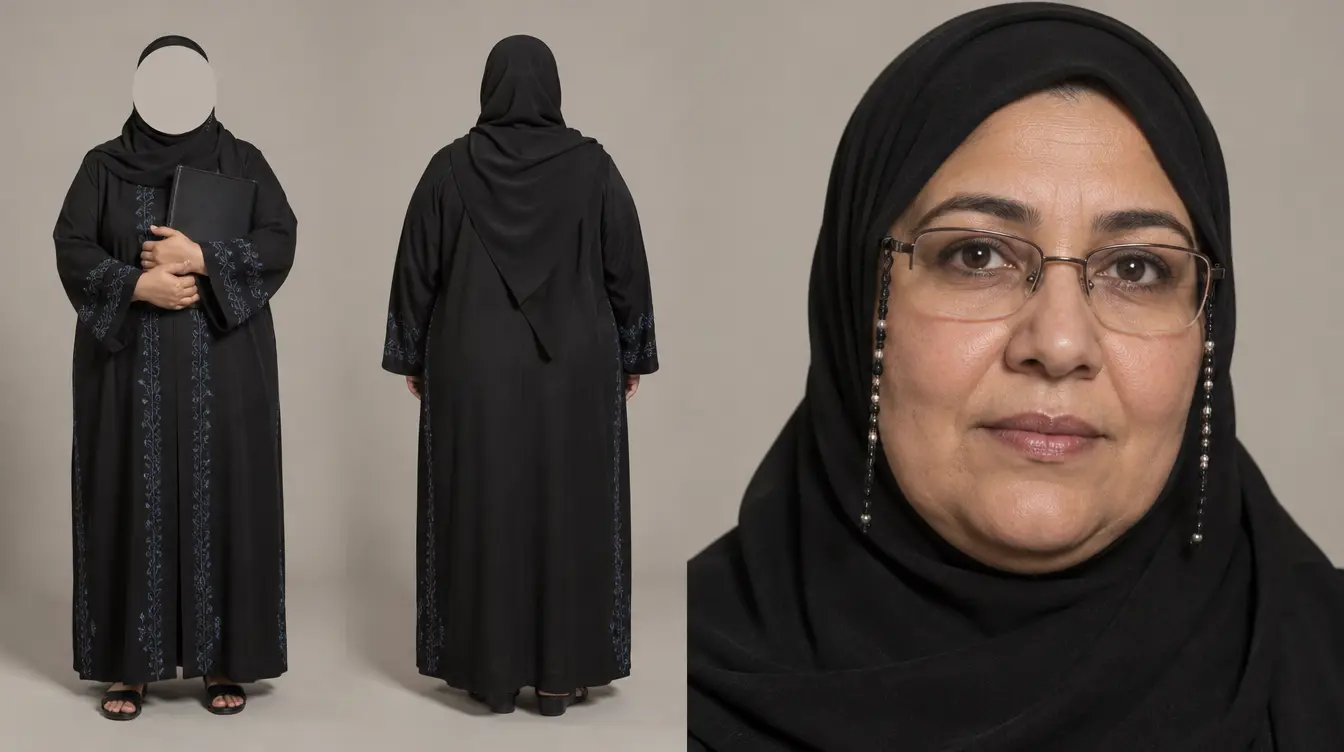
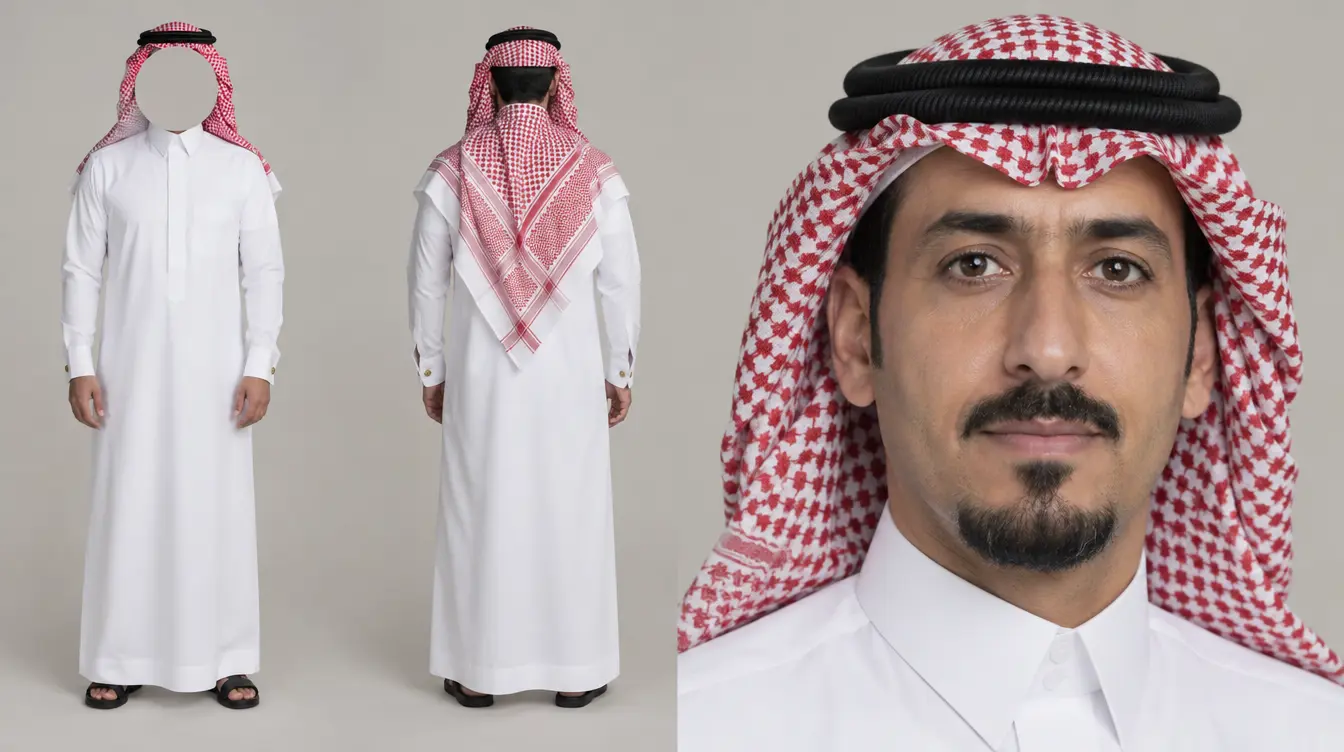
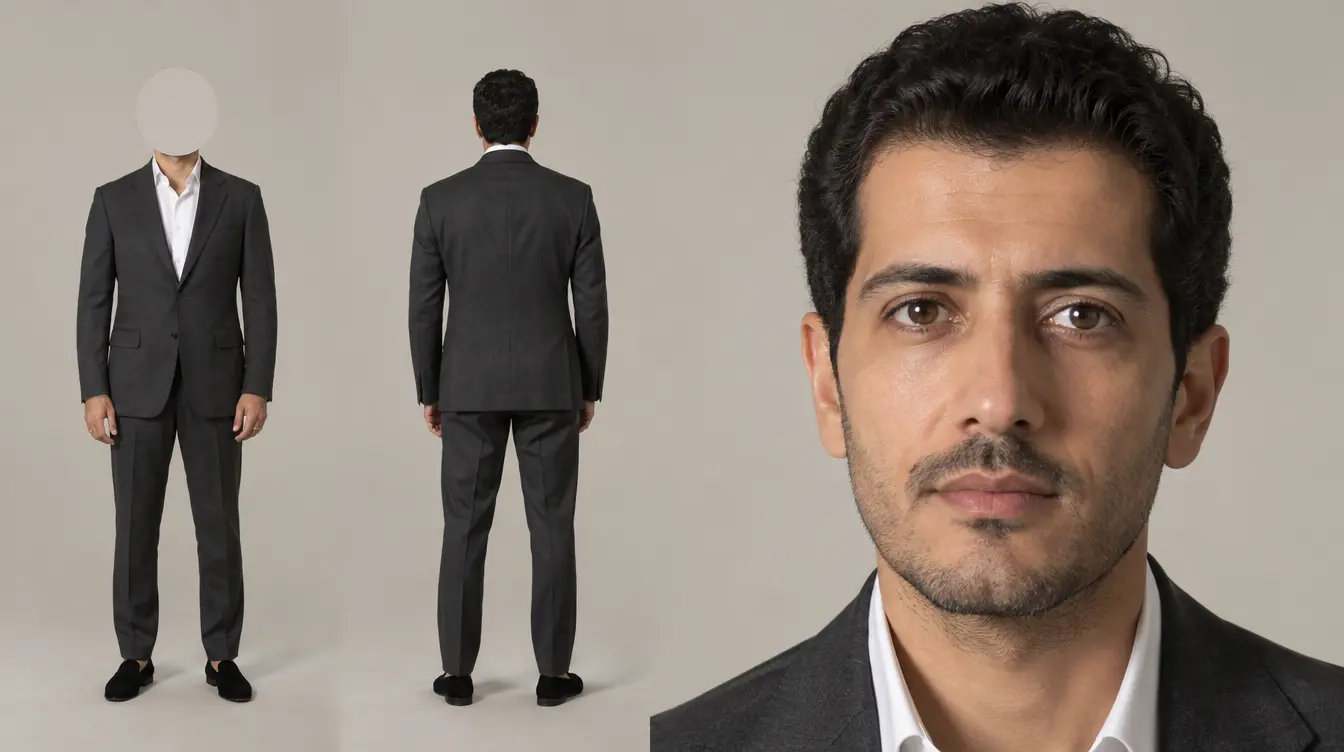
Choose the age, country, style and look, or start from a photo. Gulf Picasso creates your character, and it's ready to pick in your next image or video.
- Full control of the look
- Private to your account
- 55 tokens per character
Start from a ready-made character
Browse the library and send any character straight to the image generator as a reference.
354 characters
What you can make with characters
One character can carry a whole campaign, series or brand.
Brand ambassadors
Create a face for your brand and use it across your ads and posts.
Virtual influencers
Design a persona with its own look, and build your content around it.
Stories and series
Set up your cast first, then bring them into each new scene.
Local representation
Choose the country, style and hijab options that fit your audience.
Social content
Have a presenter ready for your Reels, stories and posts, without a photoshoot.
Variations of a look
Use a character as the reference for a new one, and change only what you want.
Put your character to work
- AI image generatorPlace your character in any scene you describe.
- AI video generatorTurn your character into a video from a text prompt.
- Edit imageChange clothes, background or details in your character's image.
- Lip syncMake a character speak your script.
- Ad DirectorDescribe your campaign and let it build the content.
- TemplatesStart from ready-made ad and post templates.
How the character generator works
Leave any option on Auto, and AI chooses for you.
- 01
Choose the look
Pick the gender, age, country and style, then build, skin, face, hair and gaze.
- 02
Add your details
Describe anything extra, like the outfit, or add one reference photo up to 20 MB.
- 03
Generate and reuse
Your character appears in your cards, and in the Characters tab when you pick an image in other tools.
What to expect
The details, straight from the tool.
Full look control
Set each detail yourself, or leave it on Auto.
One reference photo
JPG or PNG, up to 20 MB.
One landscape image
Each generation creates one character image.
Private by default
Your characters stay on your account.
When to use the character generator
It's the right tool when you'll need the same person more than once.
A good fit for
- Creating a face you'll use in many images and videos
- Controlling exactly how a person looks
- Building a cast for a campaign or a story
Use another tool for
- A single one-off scene: use the AI image generator
- Making a character talk: use lip sync
- Recreating a real person without their permission
How to get a great character
Clear choices give you a clear result.
- 01
Set the country and style first
They shape the overall look, so choose them before the smaller details.
- 02
Be specific in the details
Mention the outfit or a distinctive feature, like a white thobe with a red shemagh.
- 03
Use a clear reference photo
A sharp, front-facing photo of the face works best.
What it costs
Each character costs 55 tokens. If a generation fails, the tokens go back to your account.
Who can use it
Anyone with an account can use it, as long as they have enough tokens. A subscription isn't required.
See plansSimple pricing, no surprises
Free
The points count resets to30 pointsevery day, generating an image costs at least one point.
- All AI models included
- All apps included
- Ownership of all creations
- Priority Support
Standard
View breakdown
Generate 2 videos at the same time
- All AI models included
- All apps included
- Ownership of all creations
- Priority Support
Studio
View breakdown
Generate 5 videos at the same time
- All AI models included
- All apps included
- Ownership of all creations
- Priority Support
Ultra
View breakdown
Generate 6 videos at the same time
- All AI models included
- All apps included
- Ownership of all creations
- Priority Support
AI character generator questions
What is an AI character generator?
It creates an image of a person from the options you choose, so you have a character you can reuse in other tools.
Can I use my character in other tools?
Yes. Open the Characters tab when you add an image in tools like the image and video generators, then choose it under Mine.
Do I need to write a prompt?
No. The options are enough, and any option left on Auto is chosen by AI. You can add extra details if you want.
Can I start from a photo?
Yes. Add one reference photo up to 20 MB. A clear, front-facing photo of the face works best.
Can other people see my characters?
No. The characters you create stay private to your account.
How much does it cost?
Each character costs 55 tokens, and failed generations are refunded.
Do I need a subscription?
No. Anyone with an account can create characters, as long as they have enough tokens.
Can I make a character of a real person?
Only use photos you own or have permission to use.
Your next character is a few choices away
Pick the look, generate, and use your character in your next image or video.
Create my character