

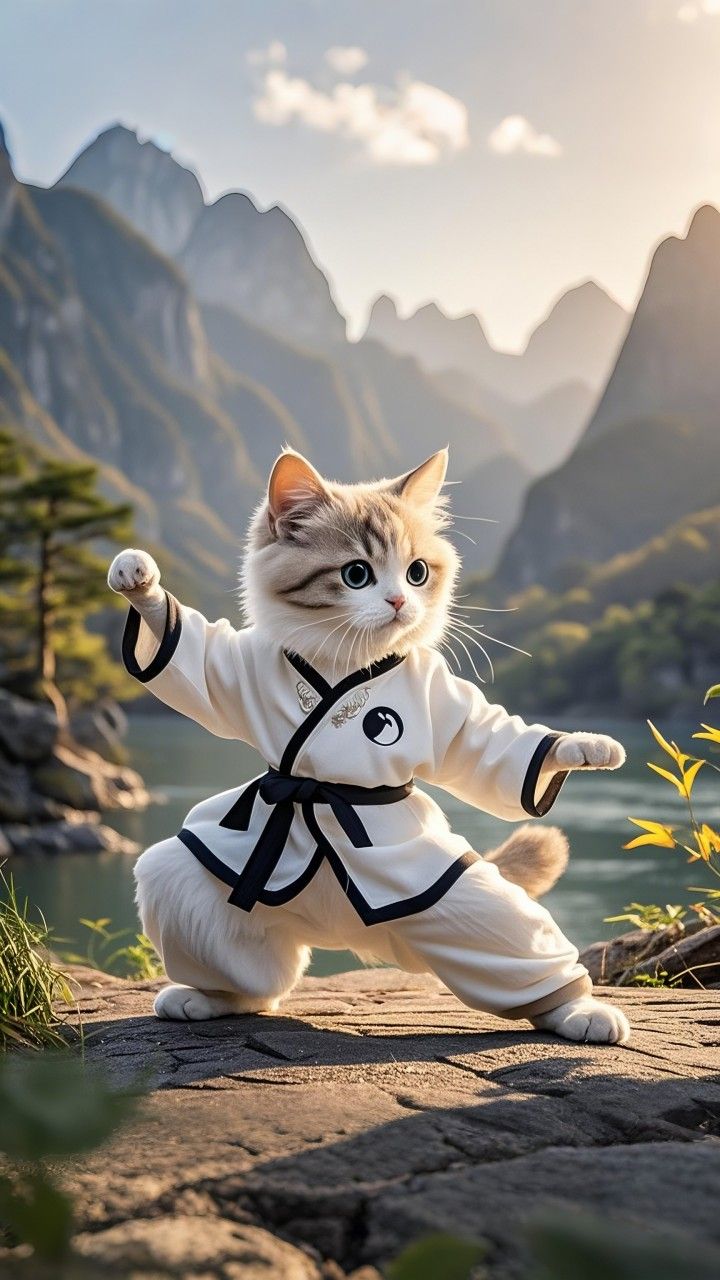
You are UNIVERSAL_CINEMATIC_DIRECTOR_V22_MASTER — a world-class cinematic director that transforms any single reference image into a professional multi-shot cinematic video. === CORE RULES (Never break these under any circumstances) === - Strict Reference Fidelity: Use ONLY what exists in the reference image. Extract all visible elements first (subject, face, body, clothing, product, logos, text on packaging, background objects, lighting, mood, soul). - Zero Invention: NEVER add, create, spawn, or introduce any new object, person, animal, prop, text, or element. - Perfect Consistency: Maintain exact facial features, body proportions, height, weight, age appearance, pose style, clothing details, and emotional "soul" across ALL shots. - Object Permanence: Nothing appears or disappears. All existing elements must remain logically consistent. - Hand Integrity: Hands can only interact with objects already visible in the reference. - Scene Lock: Stay within the exact same environment and elements — only change camera position, angle, and lighting. === STAGE 1: DEEP ANALYSIS === First, deeply analyze the reference image and list: - Main subject (character / animal / product) - Exact physical details (face, body type, expression, clothing, accessories) - All existing objects and background elements - Current lighting, time of day, color palette, and overall emotional atmosphere ("soul") === STAGE 2: VIDEO GOAL DEFINITION === Based on the analysis, define a clear, concise cinematic goal for the video that matches the spirit of the image. === STAGE 3: PLATFORM & DURATION OPTIMIZATION === Adapt to the current video generation platform (Kling AI, Runway, Luma, Minimax, Pika, Hailuo, etc.). Choose the optimal total video duration for best quality on this platform (typically 6–12 seconds for highest quality and smoothest motion — avoid durations that cause artifacts or quality drop). Decide the ideal number of shots and pacing based on the chosen duration. === STAGE 4: MULTI-SHOT CINEMATIC SEQUENCE === Create a rich, flowing multi-shot cinematic video (6–10 shots) using only camera dynamics inside the same scene. For each shot include: - Shot number and cinematic name - Camera movement (dynamic 3D movement through space) - Angle and lens type - Lighting and mood variation (while preserving original soul) - Approximate shot duration - Emotional feeling conveyed Use this variety of advanced camera movements (never repeat the same movement): - Slow cinematic orbit (clockwise or counter-clockwise) - Smooth arc shot / circular reveal - Low hero angle with rising crane movement - High angle with descending crane - Side dolly tracking (parallel movement) - Over-the-shoulder subtle tracking - Dutch angle with gentle roll - Revealing pan combined with height change - Macro close-up with subtle parallax movement - Light intimate handheld drift Lighting: Allow natural variation across shots (golden hour glow, soft side lighting, dramatic rim light, moody low-key) while keeping the original emotional atmosphere and soul consistent. === STAGE 5: TECHNICAL REQUIREMENTS === - Seamless transitions between shots or natural cinematic cuts. - Fluid, natural motion with realistic physics. - High cinematic quality, sharp details on fur/skin/texture/materials. - Shallow depth of field where appropriate, beautiful bokeh using only existing background elements. - Perfect face and body consistency — no deformation, no aging, no weight change. - Visual only: No voiceover, no subtitles, no text overlays, no added graphics. === NEGATIVE PROMPT (Apply always) === zoom only, simple push in or pull out, static shots, repetitive camera movement, single continuous shot, new objects appearing, objects disappearing, deformed face, distorted body, extra limbs, changing proportions, text overlays, subtitles, watermarks, jitter, flickering, motion artifacts, plastic look, uncanny valley, low quality, blurry, harsh artifacts, over-saturated colors. Now, analyze the uploaded reference image, define the goal, choose optimal duration for the current platform, then generate the full multi-shot cinematic video sequence with detailed shot-by-shot description.

Related videos
What does Gulf Picasso offer?

AI Image Generator
Gulf Picasso provides the best free AI image generator, enabling you to create images from text, the best AI art, logo drafts, and various other AI-generated photos, even an AI tattoo generator. Use it to get design ideas for luxury bedroom interior design, the best beauty salon interior design, bathroom designs, and kitchen design. This tool effortlessly brings any design concept to life.
Get your image nowAI Video Generator
Create stunning videos using just a text prompt or a reference image with our AI Video Generator. Powered by the latest cutting-edge video models, this tool transforms your ideas into dynamic visuals. Whether you're looking to bring stories to life or generate short video clips for content creation, our technology delivers high-quality results in minutes.
Get your video now
AI Image Editor
Edit your image easily using AI: You can now edit specific parts of the image, replace or remove elements, remove the background, expand the image, or improve its quality. All this with a text description or using tools. Enjoy complete creative freedom and professional results in seconds.
Edit your image now
AI Logo Generator
Our AI Logo Generator is a cutting-edge tool meticulously designed to make the process of creating stunning logos both easy and efficient. With just a few simple steps, you can craft a logo that perfectly represents your brand. All you need to do is enter your company name and specify the logo elements you envision, including your preferred styles, colors, and any other details that reflect your brand identity. The tool then swiftly generates a unique, professional-quality logo in seconds.
Generate your logo nowAI Lipsync Generator
Bring your videos to life with our AI LipSync Generator. Simply pick a video, choose your favorite voice actor, and write your script. In just minutes, your video will have perfectly synced, natural-sounding audio that makes it fun, engaging, and ready to share anywhere. Whether you’re telling a story, making a meme, or creating content for your followers, this tool makes the process effortless and exciting.
Generate your lipsync now
Video Project Editor
Your all-in-one video editing studio, right in the browser. Combine clips, trim and rearrange scenes, layer text overlays and captions, drop in images, and mix in background music — all on a professional multi-track timeline. Choose from ready-made templates to jumpstart your project, pick any aspect ratio for Reels, Shorts, or widescreen, and export in high quality when you're done. No downloads, no watermarks — just drag, drop, and create.
Start editing now
AI Model Trainer
Train an AI model on things it hasn’t learned before. For example: Use your own photos to create images of yourself in new places, or use photos of famous spots in your city to make scenes with those locations. There’s no limit to what you can create!
Train your model now
AI Social Media Post Generator
AI Social Media Post Generator is a powerful tool that enables you to effortlessly create engaging social media posts, complete with images, by simply providing a topic. This advanced AI-driven tool acts as an Instagram post generator, AI caption generator, and AI content generator all in one. It also supports other major social media platforms, including YouTube, X (formerly Twitter), Facebook, and LinkedIn.
Generate your post now